Sep 14, 2024
Tetris Game via raylib
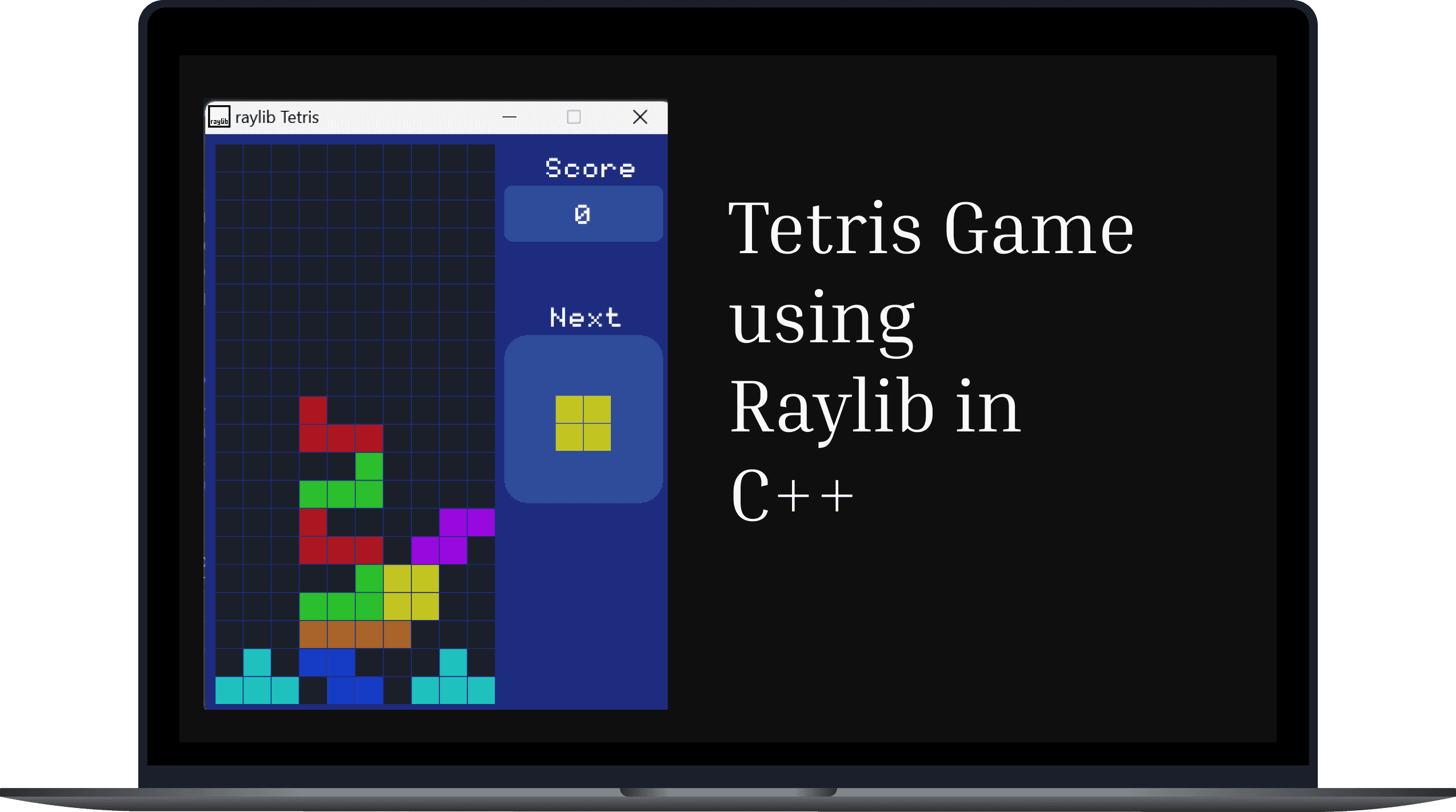
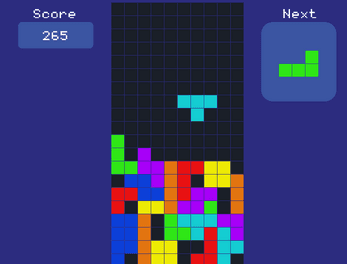
This repository provides a complete, well-commented C++ Tetris game implementation using the raylib library.
C++
Raylib
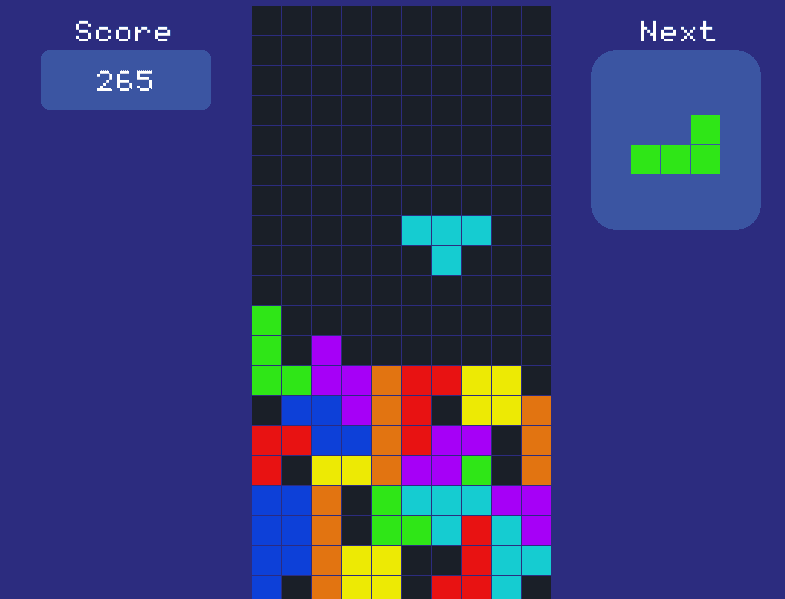
Classic Tetris gameplay mechanics: falling tetrominoes (shapes), line clearing, scorekeeping, game over conditions.
This project is a modern, well-structured implementation of the iconic Tetris game, developed entirely in C++ using the raylib graphics library. The goal was to combine the nostalgia of classic gameplay with clean, object-oriented code and real-time rendering. The game handles tetromino movement, collision detection, score tracking, and line clearing—all wrapped in a smooth, responsive interface. It’s both a fun game and an educational tool for understanding fundamental concepts in graphics programming and game development. The focus was on combining solid object-oriented design with efficient rendering for a smooth, playable experience.
Problem
Problem
Most beginner-level C++ projects lack visual feedback or interactive engagement, making them less motivating for learners. Additionally, many game tutorials are either too complex or poorly structured, making it difficult for new developers to understand game loops, rendering, and input handling.
While C++ is widely used in systems and game development, most beginner projects are console-based and lack visual feedback, making them less engaging and harder to relate to. Additionally, game development tutorials in C++ often skip key explanations, or use outdated or overly complex frameworks. This leads to a steep learning curve and makes it difficult for learners to apply their knowledge in real-world scenarios like game design.
Solution
Solution
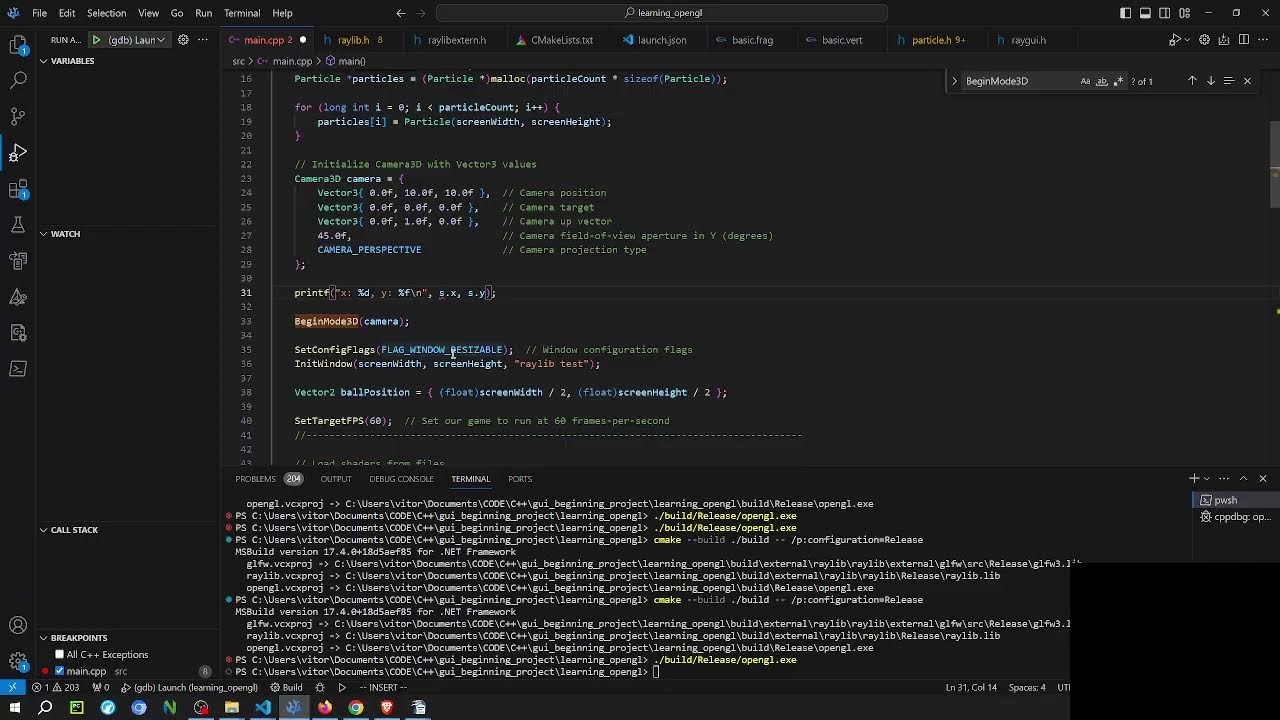
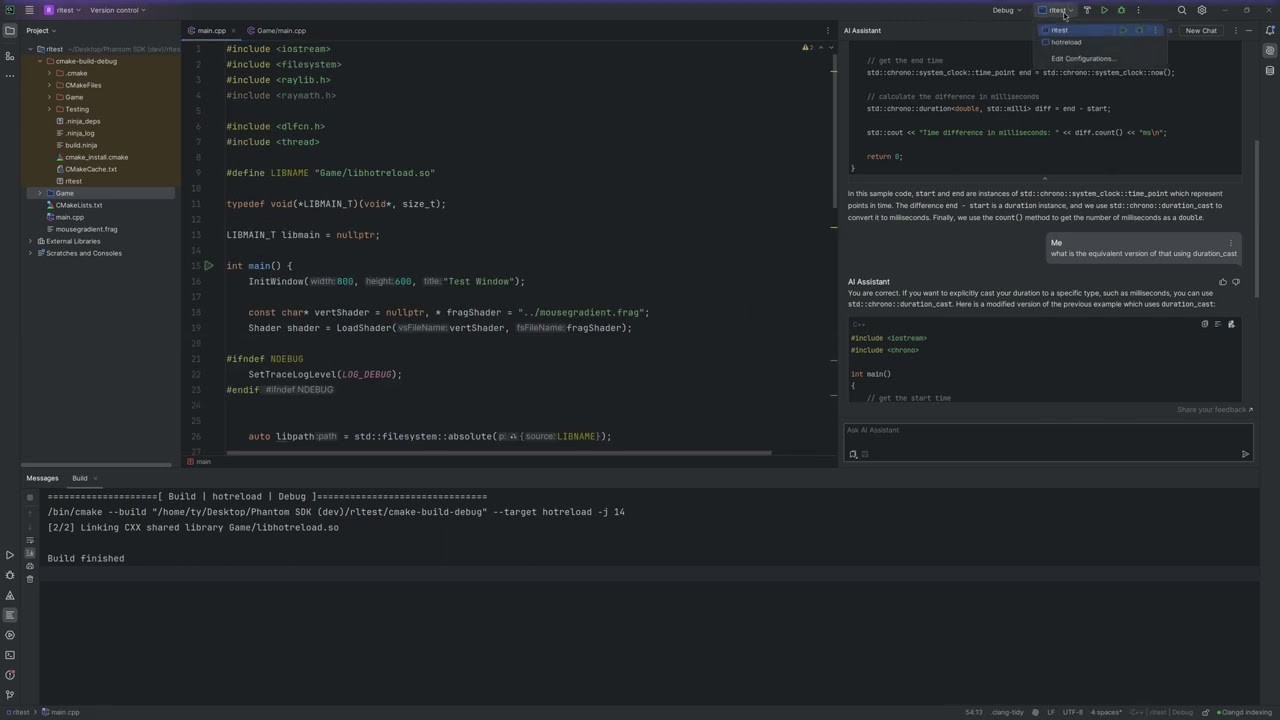
To bridge this gap, I developed a fully-functional Tetris game in C++ using raylib. The game is designed to be lightweight yet feature-rich, with well-commented code that simplifies learning core game development principles. It offers a hands-on introduction to graphics, real-time logic, and user input.
To address this, I built a playable Tetris game from the ground up using raylib—a lightweight and beginner-friendly C/C++ graphics library. The codebase is modular and thoroughly commented, making it easy to understand how game loops, user input, and rendering work together. This project not only delivers a fun gaming experience but also acts as a learning resource for anyone looking to dive into C++ graphics or build their first game. It simplifies complex concepts while offering tangible results.
Latest Updates
©2025
Latest Updates
©2025


Sep 14, 2024
Tetris Game via raylib
This repository provides a complete, well-commented C++ Tetris game implementation using the raylib library.
C++
Raylib
Classic Tetris gameplay mechanics: falling tetrominoes (shapes), line clearing, scorekeeping, game over conditions.
This project is a modern, well-structured implementation of the iconic Tetris game, developed entirely in C++ using the raylib graphics library. The goal was to combine the nostalgia of classic gameplay with clean, object-oriented code and real-time rendering. The game handles tetromino movement, collision detection, score tracking, and line clearing—all wrapped in a smooth, responsive interface. It’s both a fun game and an educational tool for understanding fundamental concepts in graphics programming and game development. The focus was on combining solid object-oriented design with efficient rendering for a smooth, playable experience.
Problem
Most beginner-level C++ projects lack visual feedback or interactive engagement, making them less motivating for learners. Additionally, many game tutorials are either too complex or poorly structured, making it difficult for new developers to understand game loops, rendering, and input handling.
While C++ is widely used in systems and game development, most beginner projects are console-based and lack visual feedback, making them less engaging and harder to relate to. Additionally, game development tutorials in C++ often skip key explanations, or use outdated or overly complex frameworks. This leads to a steep learning curve and makes it difficult for learners to apply their knowledge in real-world scenarios like game design.
Solution
To bridge this gap, I developed a fully-functional Tetris game in C++ using raylib. The game is designed to be lightweight yet feature-rich, with well-commented code that simplifies learning core game development principles. It offers a hands-on introduction to graphics, real-time logic, and user input.
To address this, I built a playable Tetris game from the ground up using raylib—a lightweight and beginner-friendly C/C++ graphics library. The codebase is modular and thoroughly commented, making it easy to understand how game loops, user input, and rendering work together. This project not only delivers a fun gaming experience but also acts as a learning resource for anyone looking to dive into C++ graphics or build their first game. It simplifies complex concepts while offering tangible results.
Latest Updates
©2025
Sep 14, 2024
Tetris Game via raylib
This repository provides a complete, well-commented C++ Tetris game implementation using the raylib library.
C++
Raylib
Classic Tetris gameplay mechanics: falling tetrominoes (shapes), line clearing, scorekeeping, game over conditions.
This project is a modern, well-structured implementation of the iconic Tetris game, developed entirely in C++ using the raylib graphics library. The goal was to combine the nostalgia of classic gameplay with clean, object-oriented code and real-time rendering. The game handles tetromino movement, collision detection, score tracking, and line clearing—all wrapped in a smooth, responsive interface. It’s both a fun game and an educational tool for understanding fundamental concepts in graphics programming and game development. The focus was on combining solid object-oriented design with efficient rendering for a smooth, playable experience.
Problem
Most beginner-level C++ projects lack visual feedback or interactive engagement, making them less motivating for learners. Additionally, many game tutorials are either too complex or poorly structured, making it difficult for new developers to understand game loops, rendering, and input handling.
While C++ is widely used in systems and game development, most beginner projects are console-based and lack visual feedback, making them less engaging and harder to relate to. Additionally, game development tutorials in C++ often skip key explanations, or use outdated or overly complex frameworks. This leads to a steep learning curve and makes it difficult for learners to apply their knowledge in real-world scenarios like game design.
Solution
To bridge this gap, I developed a fully-functional Tetris game in C++ using raylib. The game is designed to be lightweight yet feature-rich, with well-commented code that simplifies learning core game development principles. It offers a hands-on introduction to graphics, real-time logic, and user input.
To address this, I built a playable Tetris game from the ground up using raylib—a lightweight and beginner-friendly C/C++ graphics library. The codebase is modular and thoroughly commented, making it easy to understand how game loops, user input, and rendering work together. This project not only delivers a fun gaming experience but also acts as a learning resource for anyone looking to dive into C++ graphics or build their first game. It simplifies complex concepts while offering tangible results.
Latest Updates
©2025